1 Layout & Composition Use A Dynamic Layout Where The 1st Picture (main Image) Occupies 25% Of The
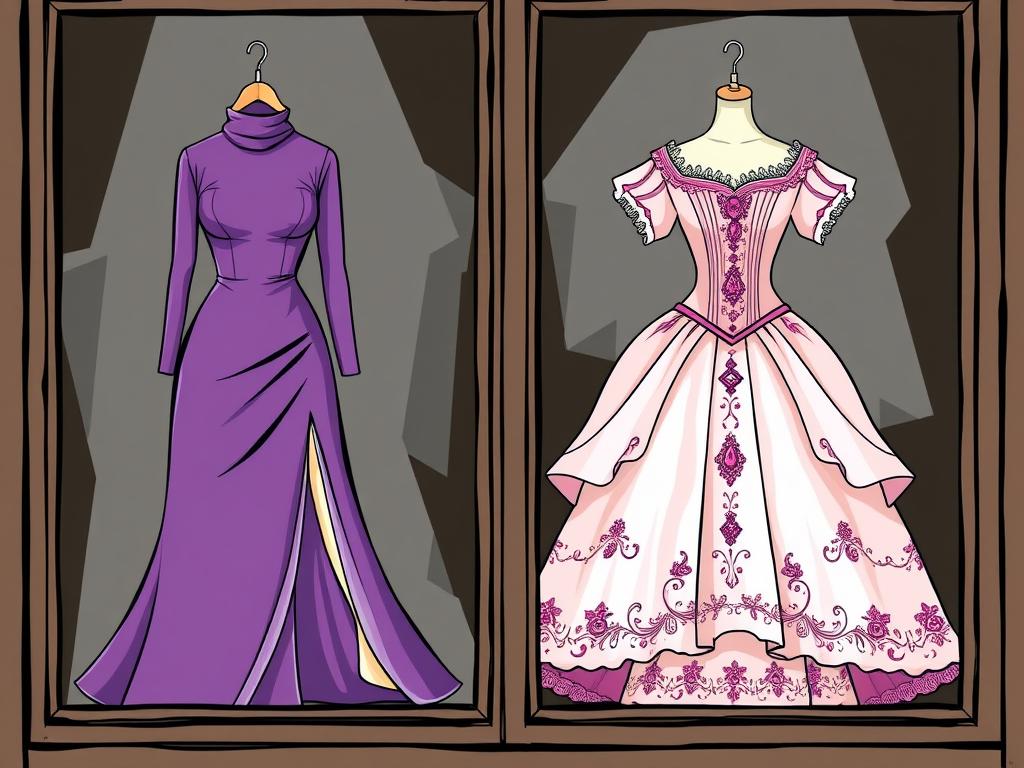
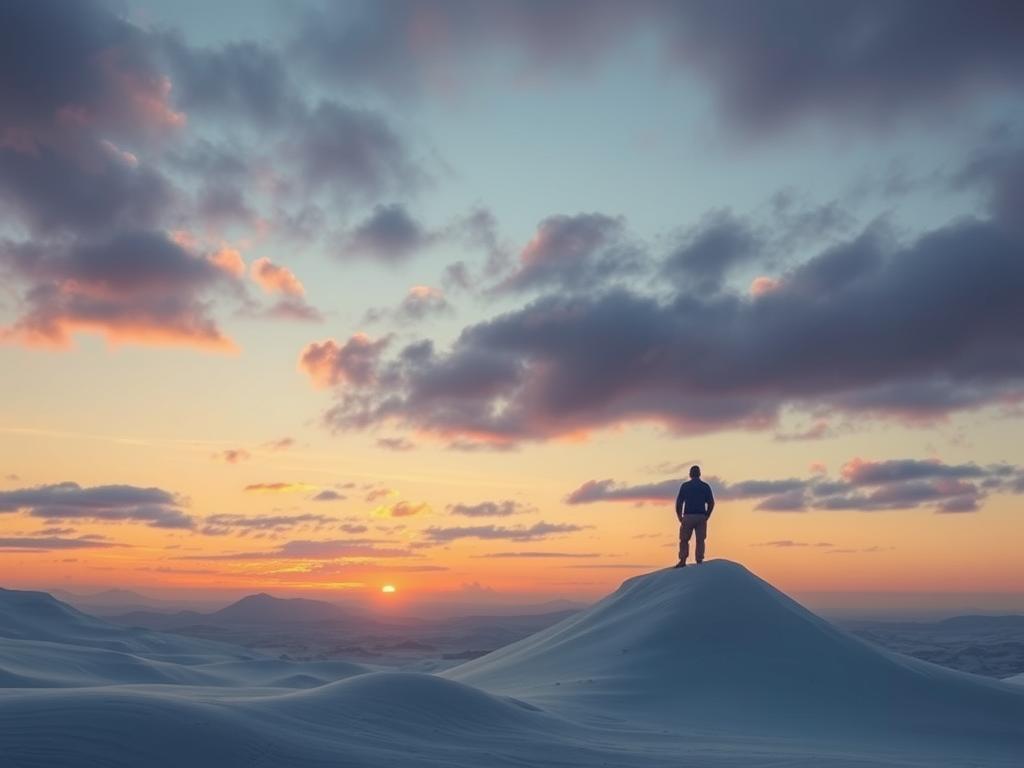
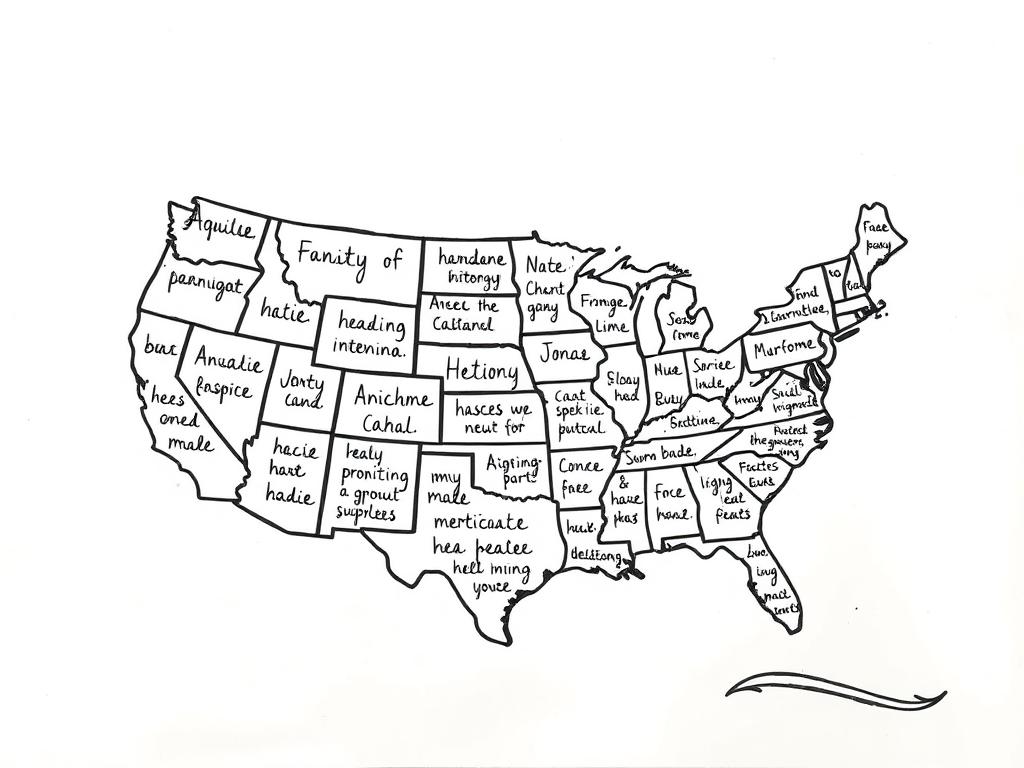
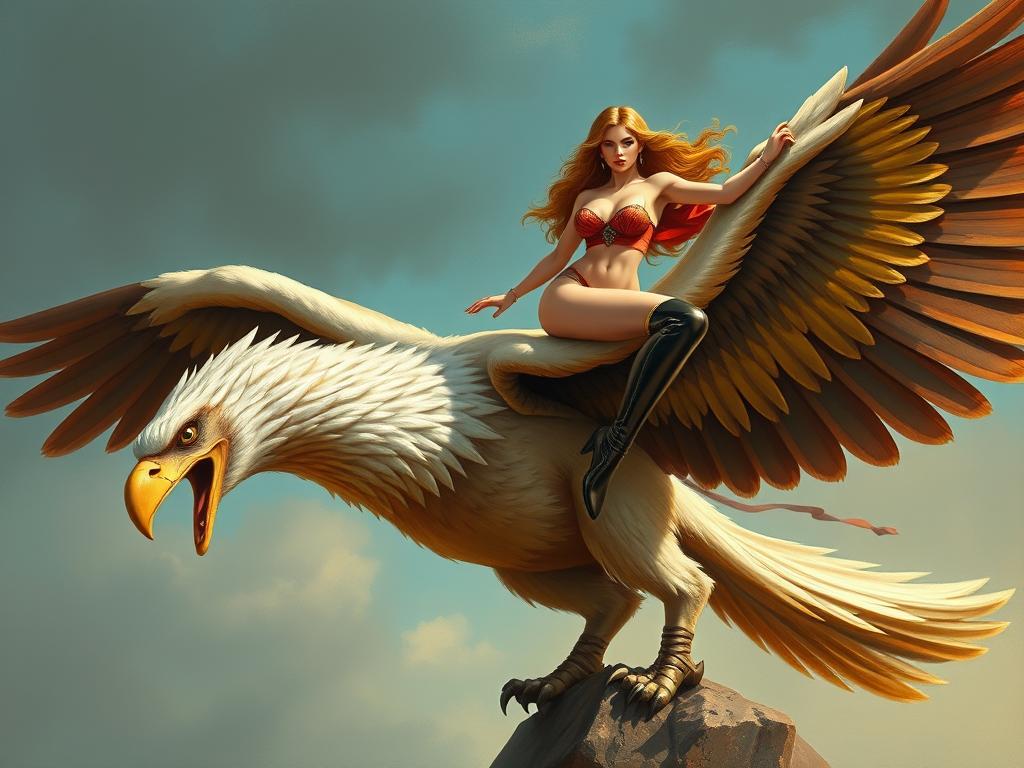
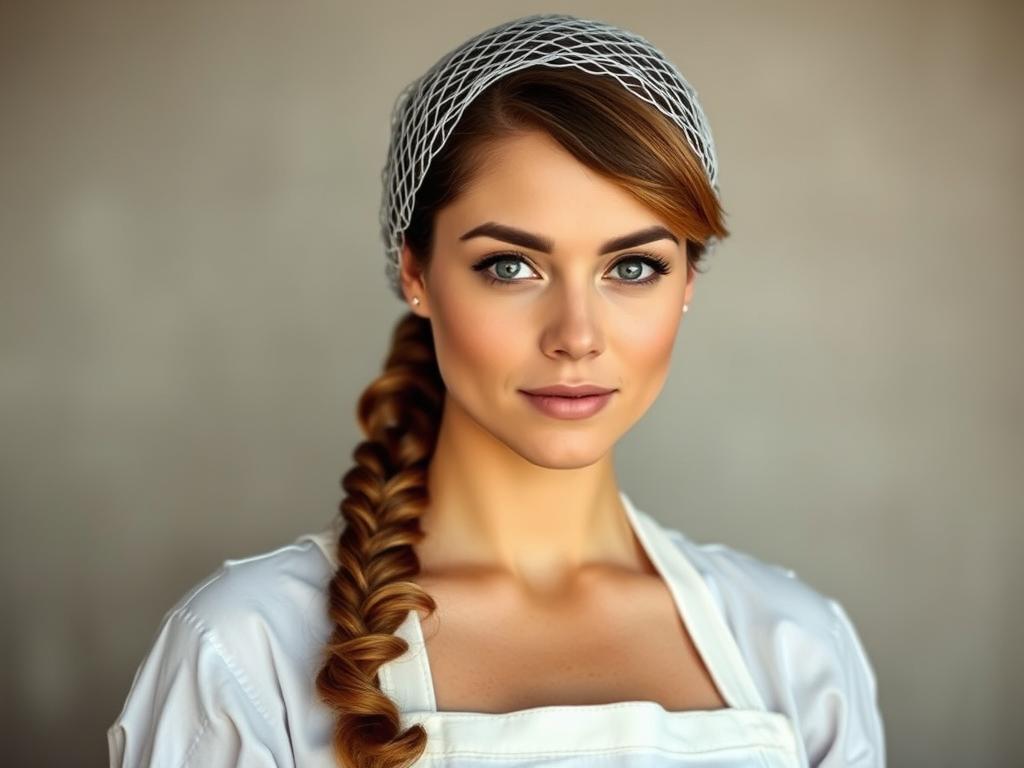
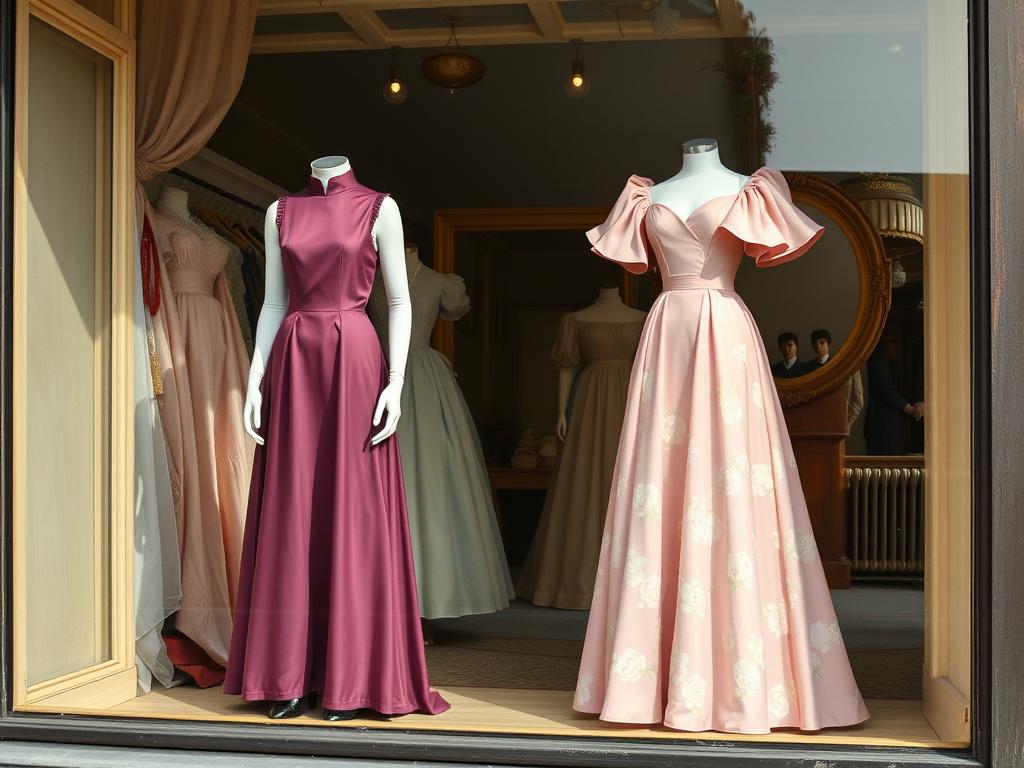
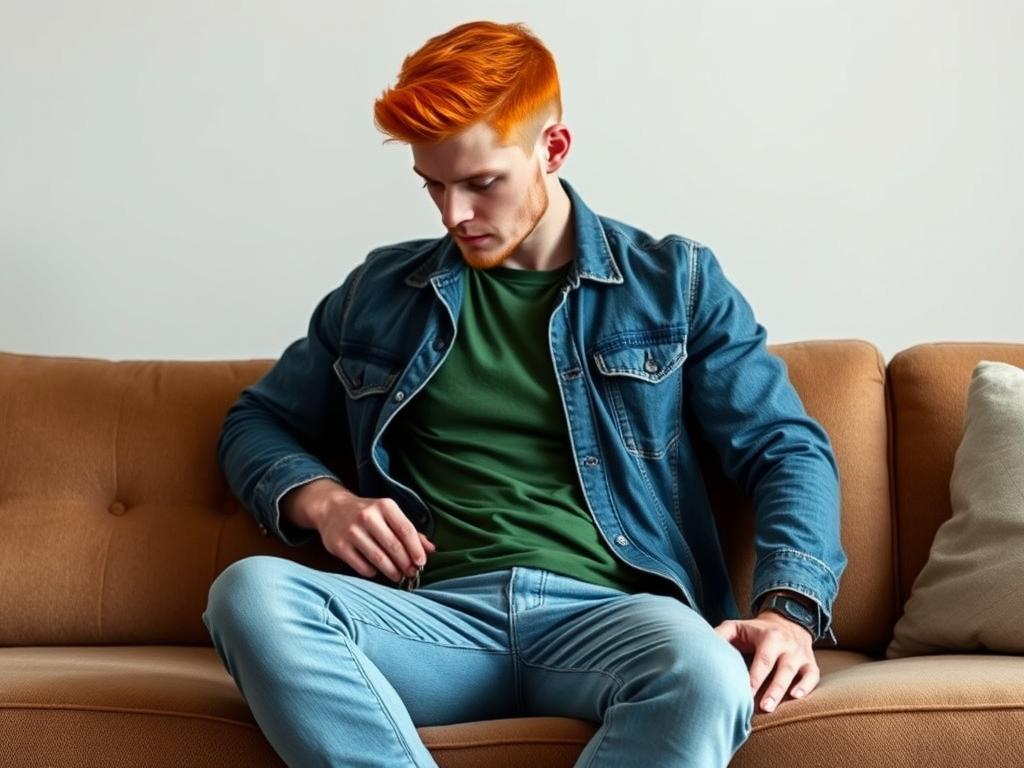
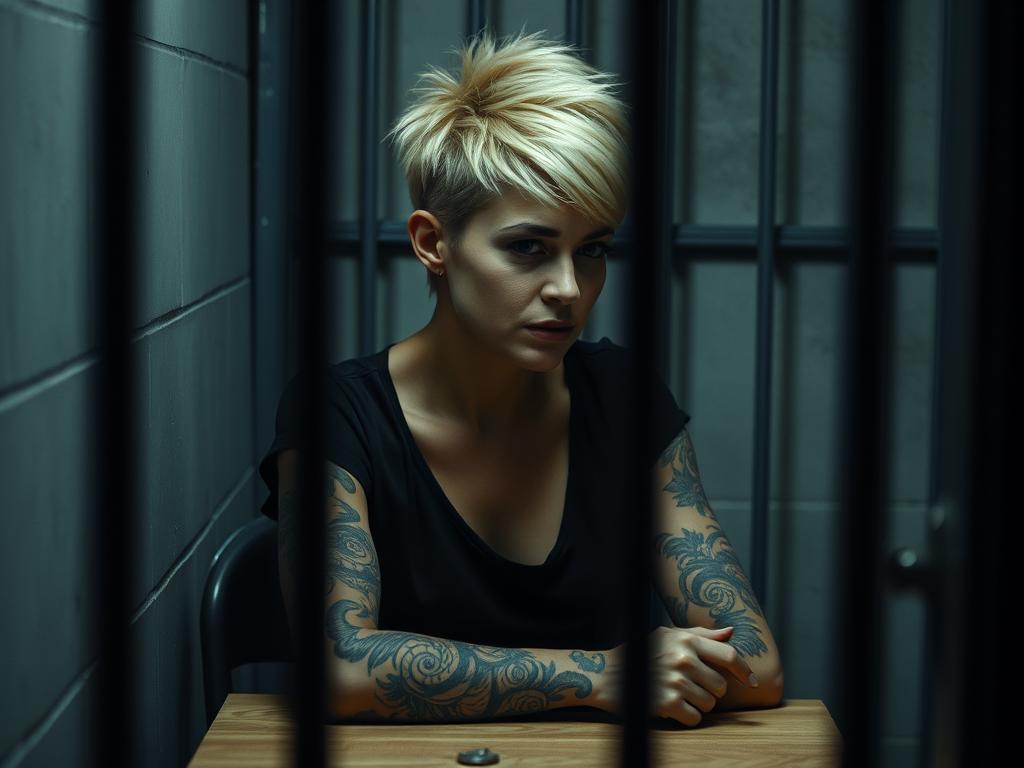
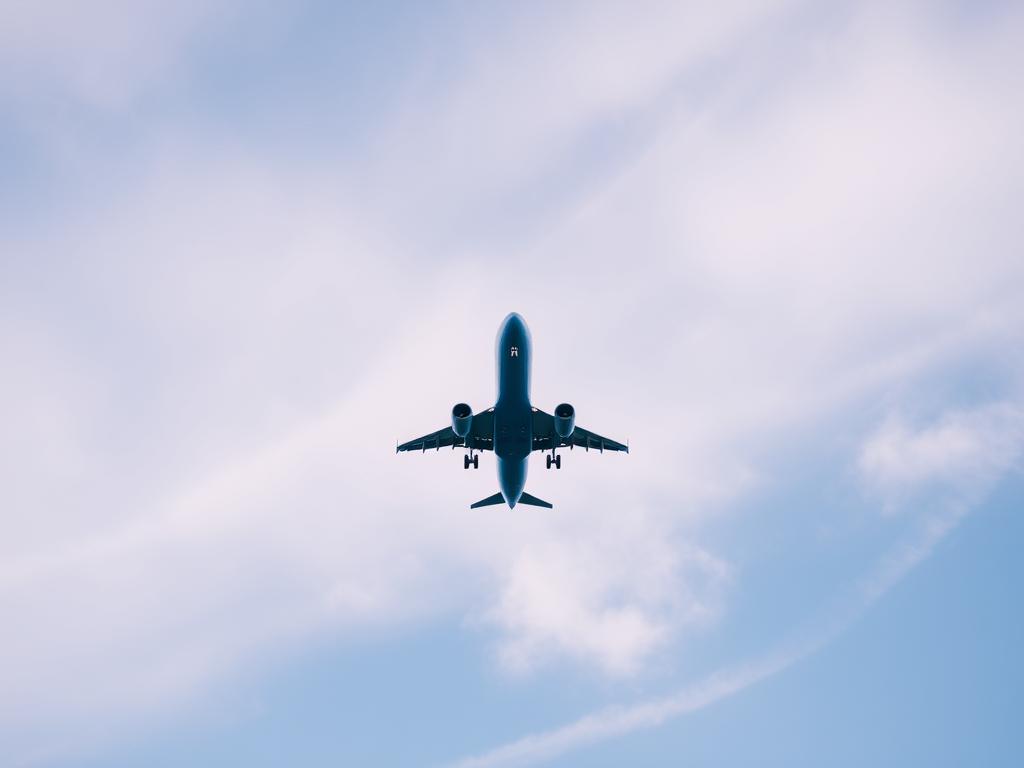
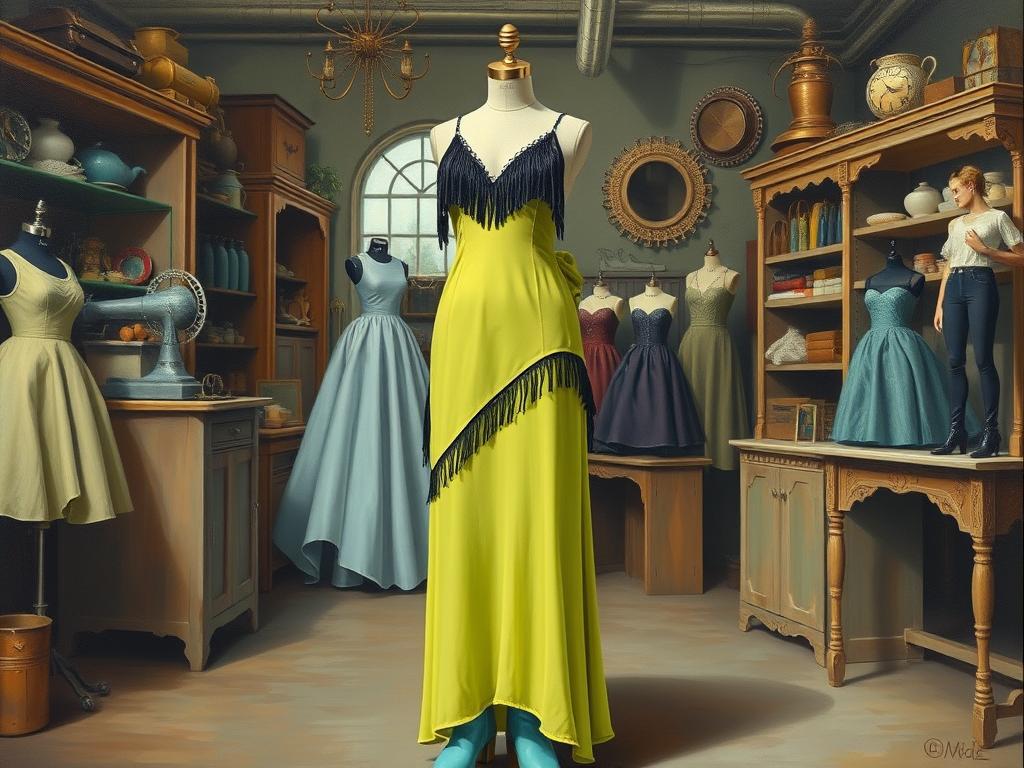
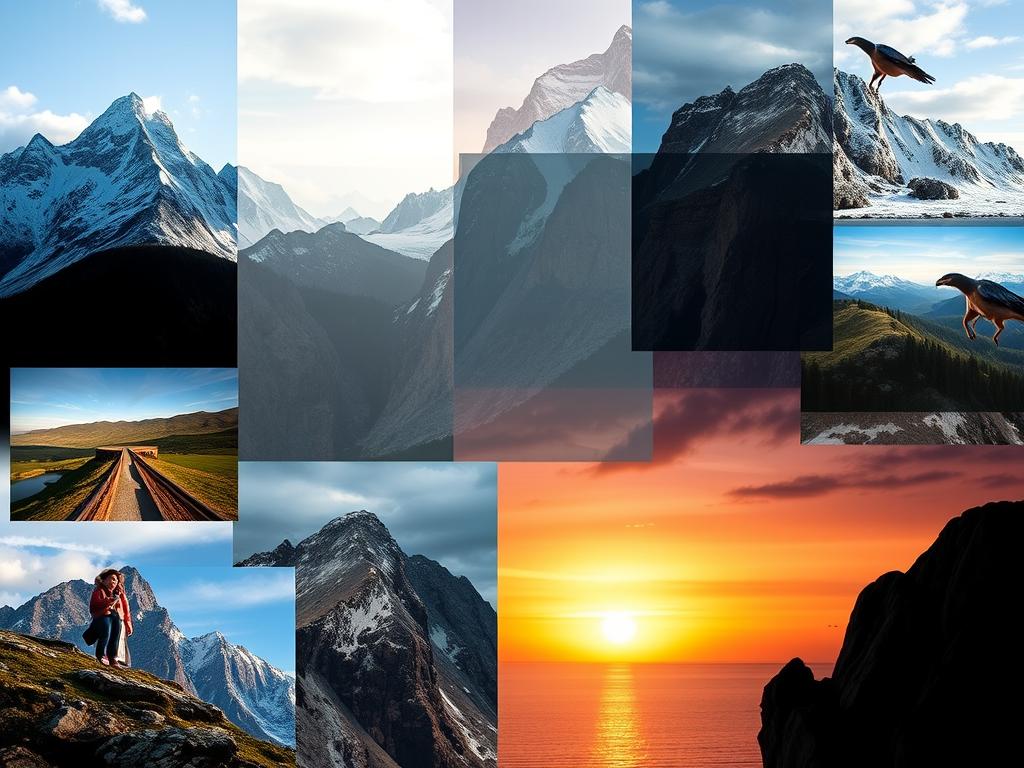
1. Layout & Composition: Use a dynamic layout where the 1st picture (main image) occupies 25% of the actual poster size, placed prominently (e.g., center, top-left, or focal point). Arrange the remaining pictures creatively around the main image—overlapping, as collages, or in a grid/mosaic style. 2. Background: Blend all images into the background using transparency, gradients, or double exposure effects. Apply layer blending modes (e.g., Multiply, Overlay, Soft Light) to merge images seamlessly. Use color washes or subtle textures to unify the background. 3. Text: Add the quote: "..." (exactly as provided in inverted commas) in a bold, legible font. Experiment with text effects (e.g., drop shadows, outlines, or blending modes) to make it stand out. 4. Style & Mood: Choose a color scheme based on the images (e.g., vibrant, muted, monochromatic). Ensure visual balance—avoid clutter while keeping the main image dominant. 5. Tools (if using Photoshop/Canva): For blending: Layer Masks, Opacity Adjustments, or Gradient Maps. For text: Clipping Masks or Blending Options (e.g., Bevel & Emboss). Example Workflow: Place the main image (25% size) of all convas which paste on from above 10inch & in center from left & right. overlay other images, reducing opacity & blending into the background.
13.07.2025 06:38
Related Images