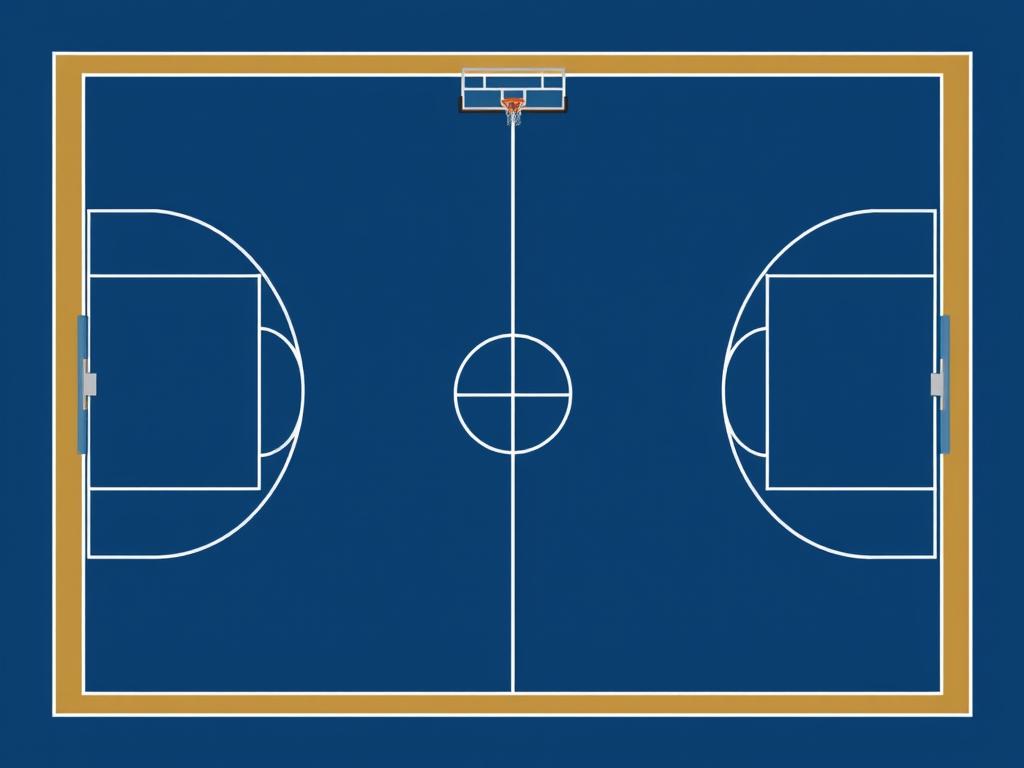
Basketball Court 28m X 15m (scaled To Your Desired Pixel Dimensions Eg 2800px X 1500px) Handball
Basketball Court: 28m x 15m (scaled to your desired pixel dimensions, e.g., 2800px x 1500px) Handball Court: 20m x 13m (scaled, e.g., 2000px x 1300px) 5-a-Side Football Court: 25m x 16m (scaled, e.g., 2500px x 1600px).Set Up Your Canvas: Open your graphic design software (e.g., Adobe Illustrator, Photoshop, Canva, or GIMP). Create a new document with the dimensions of the basketball court, for example, 2800px x 1500px (for a 28m x 15m court). Create the Background: Fill the entire canvas with a navy blue color to represent the flooring. Design the Basketball Court: Use the rectangle tool to create the basketball court area (scaled down to fit within the canvas). Draw the court lines in white: Three-point line Free-throw line Center circle Ensure the dimensions are proportionate to a standard basketball court. Design the Handball Court: Create a rectangle for the handball court (20m x 13m) within the canvas. Use the rectangle tool to draw the goal areas and center line. Draw the lines in yellow. Design the 5-a-Side Football Court: Create a rectangle for the 5-a-side football court (25m x 16m) within the canvas. Draw the goals and penalty area. Use red for the lines. Positioning: Arrange the three courts so that they fit within the 28m x 15m area without overlapping. You can place them side by side or one above the other, depending on your preference.
09.08.2025 09:25
Related Images