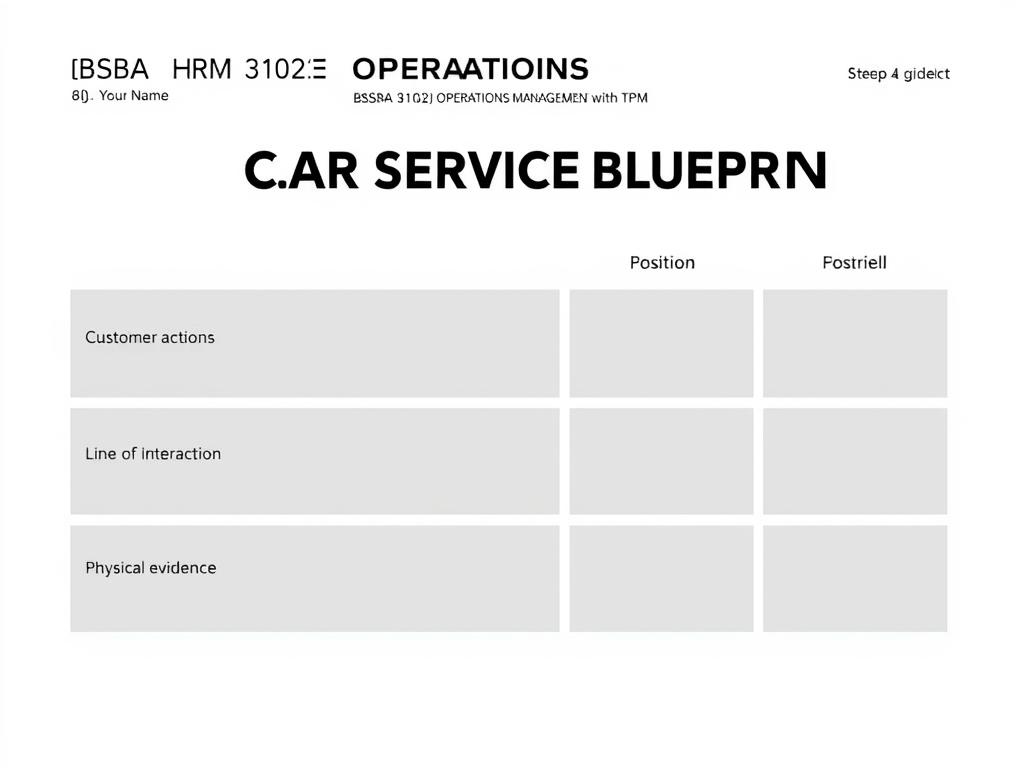
CAR WASH SERVICE BLUEPRINT (Layout Template Guide) 🎯 Step 1 Page Setup Page Size Landscape Orientation
CAR WASH SERVICE BLUEPRINT (Layout Template Guide) 🎯 Step 1: Page Setup Page size: Landscape orientation (16:9) Margins: Leave about 1 inch on each side Font style: Use a clean, modern font like Poppins, Arial, or Calibri Font colors: Row titles (e.g., “Customer Actions”): Black, Bold Box text: Dark Gray Title: Black, 28–32 pt 🧩 Step 2: Add the Title and Info Top-left corner: [Your Name] BSBA HRM 3102 OPERATIONS MANAGEMENT with TQM Center top (large font): CAR WASH SERVICE BLUEPRINT 🟦 Step 3: Create Rows and Lines You will have 5 horizontal sections. Draw 4 divider lines across the slide: Line of Interaction (dotted) Line of Visibility (solid) Line of Internal Interaction (dotted) Use thin black lines for these. 🧱 Step 4: Add Section Labels on the Left Add these vertically stacked labels (one per row): Row Label Border Color Position Physical Evidence 🟦 Blue (#00B8D9) Top Customer Actions 🟪 Purple (#C77DFF) Below On-Stage Employee Contact 🟧 Orange (#FF9F1C) Middle Back Stage Employee Contact 🟩 Green (#2ECC71) Below Support Processes 🟨 Yellow (#F1C40F) Bottom Use rounded rectangles for these boxes. 📦 Step 5: Fill in Each Row Physical Evidence (Blue Boxes) Car Wash Entrance Queue Area Cleaning Equipment Waiting Area Payment Counter Customer Actions (Purple Boxes) Arrive at Car Wash Queue and Wait Request Service Wait During Wash Pay Leave On-Stage Employee Contact (Orange Boxes) Greet and Welcome Customer Guide Car to Wash Area Wash and Rinse Vehicle Dry and Polish Return Car Process Payment Backstage Employee Contact (Green Boxes) Prepare Cleaning Materials Check Water Pressure and Equipment Manage POS System Generate Receipt Support Processes (Yellow Boxes) Equipment Maintenance Water and Soap Supply Payment Processor 🔁 Step 6: Connect Boxes with Arrows Use right-pointing arrows (→) to connect actions within the same row. Use downward arrows (↓) to show interaction between rows (e.g., from Customer Action → On-Stage Employee). 💡 Design Tip In Canva: Use rounded rectangles for boxes Use the “Align” → “Tidy Up” feature to space them evenly Group each row so you can move them easily Use dotted lines for interaction lines (Shift + drag a line → “Line style” → “Dotted”)
26.10.2025 08:10
Related Images