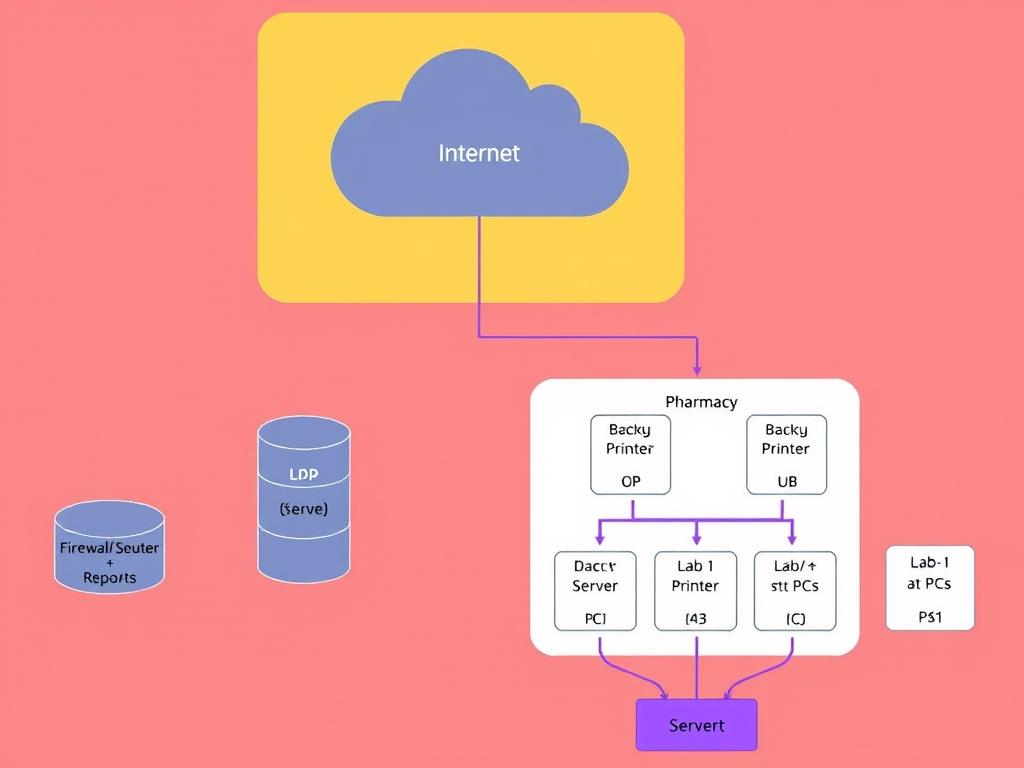
Insert A Cloud Shape → Label It Internet 2 Below The Cloud Insert A Rounded Rectangle → Label
Insert a Cloud shape → label it Internet. 2. Below the cloud, insert a Rounded Rectangle → label it Firewall / Router. 3. Insert a Switch shape under the router → label it Core Switch. 4. To the left of the switch, insert a Server shape → label it Hospital Server (Database + Reports). 5. Below the Server, insert another Cylinder shape → label it Backup Server / Storage. 6. To the right of the switch, create three Group Containers (rectangles with text labels): OPD (Registration): add 1–2 PC shapes + 1 Printer shape. Pharmacy: add 1 PC shape + 1 Printer shape. Lab: add 1 PC shape + 1 Printer shape. 7. Below the switch, insert another box labeled Management PCs (2–3 PC icons). 8. Use Connectors to link: Internet → Firewall/Router → Core Switch Core Switch ↔ Hospital Server ↔ Backup Server Core Switch ↔ OPD PCs Core Switch ↔ Pharmacy PC → Printer Core Switch ↔ Lab PC → Printer Core Switch ↔ Management PCs 9. Color code: Servers = light purple Switch / Router = gray PCs = light blue Printers = light green Internet Cloud = white or light yellow
28.09.2025 15:41
Related Images