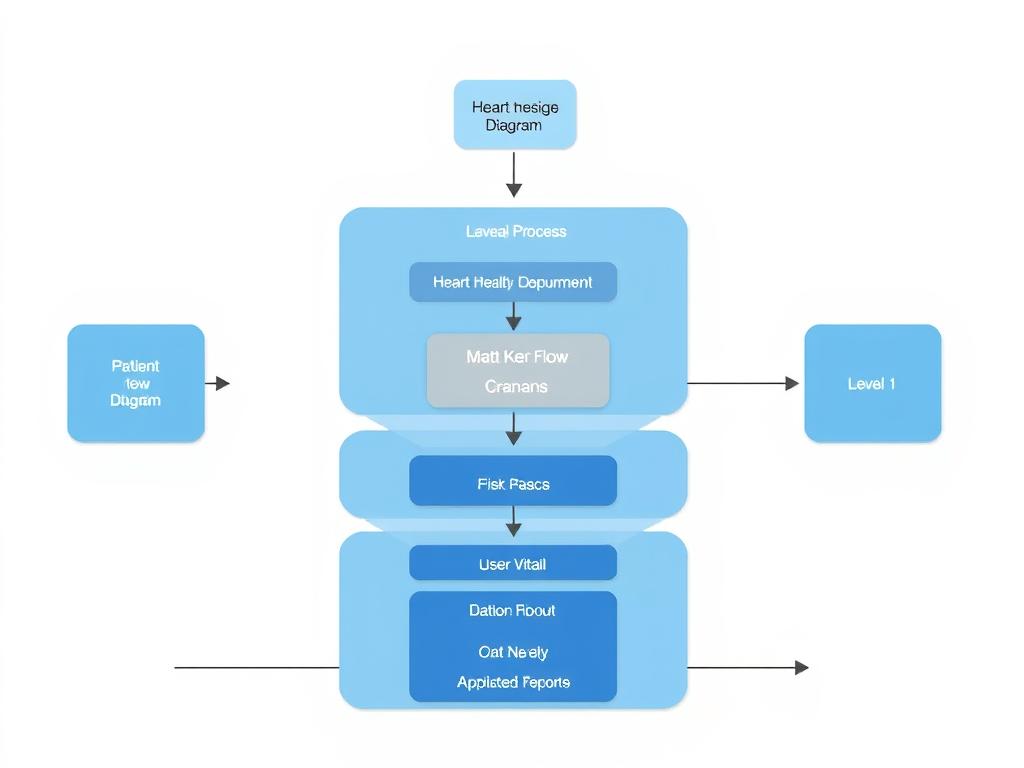
Prompt For System Flow Diagram Generate A System Flow Diagram For A Heart Health Monitoring Web Application
Prompt for System Flow Diagram Generate a system flow diagram for a heart health monitoring web application. Include the following components: Patient and Doctor as external users Patient registration and login flow Doctor registration and login flow After login, Patient can: log daily vitals (BP, HR, medication), upload ECG reports After login, Doctor can: view patient data and uploaded reports, add comments Secure file upload handling system Email reminder system triggered if patient misses daily entry Arrows should indicate data flow and interaction direction 🔹 Prompt for Data Flow Diagram (DFD) - Level 0, 1, and 2 Combined Generate a layered data flow diagram for a heart health web portal with Level 0, Level 1, and Level 2 included in one image. Include: External Entities: Patient and Doctor Level 0: Heart Health Record System (central process) Level 1 processes: User Management (login/registration) Vitals Logging (BP, HR, medication) File Upload & Management Doctor Access & Comments Email Notification System Data Stores: D1: User Credentials D2: Patient Vitals D3: Uploaded Reports D4: Doctor Notes Level 2 (Detail for process 2 & 3): 2.1: Validate input 2.2: Store vitals 3.1: Validate file 3.2: Store file and map to patient Show all arrows for data flow between entities, processes, and data stores Use these prompts in tools like: Diagrams.net (draw.io) manually Lucidchart OpenAI's DALL·E or any AI image generator that accepts system diagram prompts Uizard, Figma (with AI plugins), or DiagramGPT
28.07.2025 08:39
Related Images