That’s A Great Topic For Your Infographic About The Data Privacy Act (Republic Act No 10173) You’ll
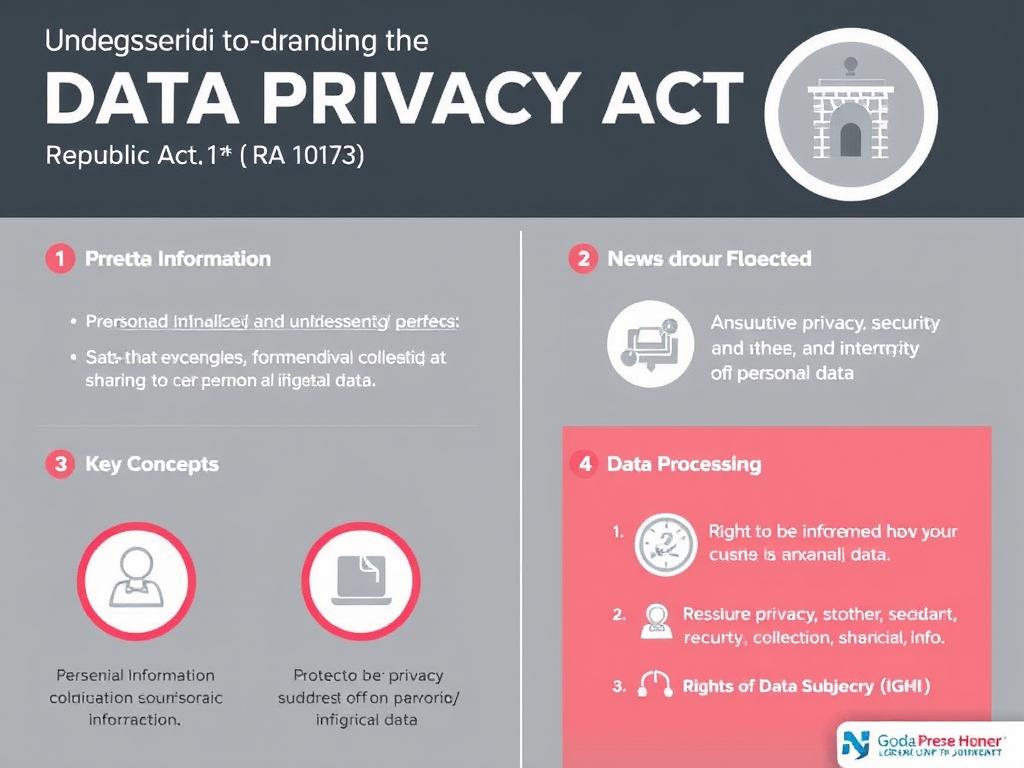
That’s a great topic! For your infographic about the Data Privacy Act (Republic Act No. 10173), you’ll want to include key points that inform and catch attention quickly. Here’s a clear guide on what to include 👇 🧩 Suggested Content for Your Infographic 1. Title Section Title: “Understanding the Data Privacy Act of 2012 (RA 10173)” Subtitle (optional): Protecting your personal information in the digital age 2. What Is the Data Privacy Act? A law that protects individuals from unauthorized collection, use, and sharing of their personal information. Purpose: To ensure privacy, security, and integrity of personal data. 3. Key Concepts You can use icons or short phrases for these: Personal Information: data that identifies a person (e.g., name, address, contact number) Sensitive Personal Information: more private data (e.g., health records, religion, financial info) Data Processing: any action on data (collection, storage, sharing, etc.) 4. Rights of Data Subjects (You!) Show as icons or numbered list: Right to be informed – know how your data is collected and used Right to access – see what data an organization has about you Right to object – refuse data processing in certain cases Right to erasure or blocking – have your data deleted when no longer needed Right to correct – fix inaccurate information Right to damages – claim compensation for violations 5. Duties of Organizations / Data Collectors Must obtain your consent before collecting personal info Must store data securely and limit access Must notify you if your data is breached Must register data processing systems with the National Privacy Commission (NPC) 6. Common Violations (Show warning icons) Sharing personal data without consent Using data for other purposes than agreed Weak security leading to data leaks Collecting unnecessary personal info 7. Penalties 📜 Violators can face imprisonment (1–6 years) and fines of ₱500,000–₱5,000,000. 8. How to Protect Your Data You can make this section colorful or checklist-style: Use strong, unique passwords Don’t overshare personal info online Read privacy policies before signing up Be cautious of phishing links Purpose: Oversees implementation of the Data Privacy Act 🎨 Design Tips Use icons for rights and duties Use contrasting colors (e.g., blue + white + gold) Include simple visuals like a padlock, fingerprint, shield, or data cloud Keep text brief and easy to read Would you like me to create a sample layout or infographic design plan (like which sections go where and what visuals to use)? I can outline or visualize that for you next. create a infographics that readable the text
09.10.2025 10:49
Related Images